
Your comics, from every cloud
Read your comics and PDFs from Dropbox, OneDrive, OPDS servers or your iPhone and iPad. Pick up exactly where you left off — even offline. Try it free for 15 days.
15 days free, every feature unlocked. The trial never renews and never charges you.
Reads from
- Dropbox
- OneDrive
- OPDS
- Calibre
- Komga
- Kavita
- Files app
Everything you need to read comics
Arkana is a fast, elegant reader for your comic books, mangas and PDFs — wherever they live.
All your libraries in one place
- Dropbox
- Microsoft OneDrive
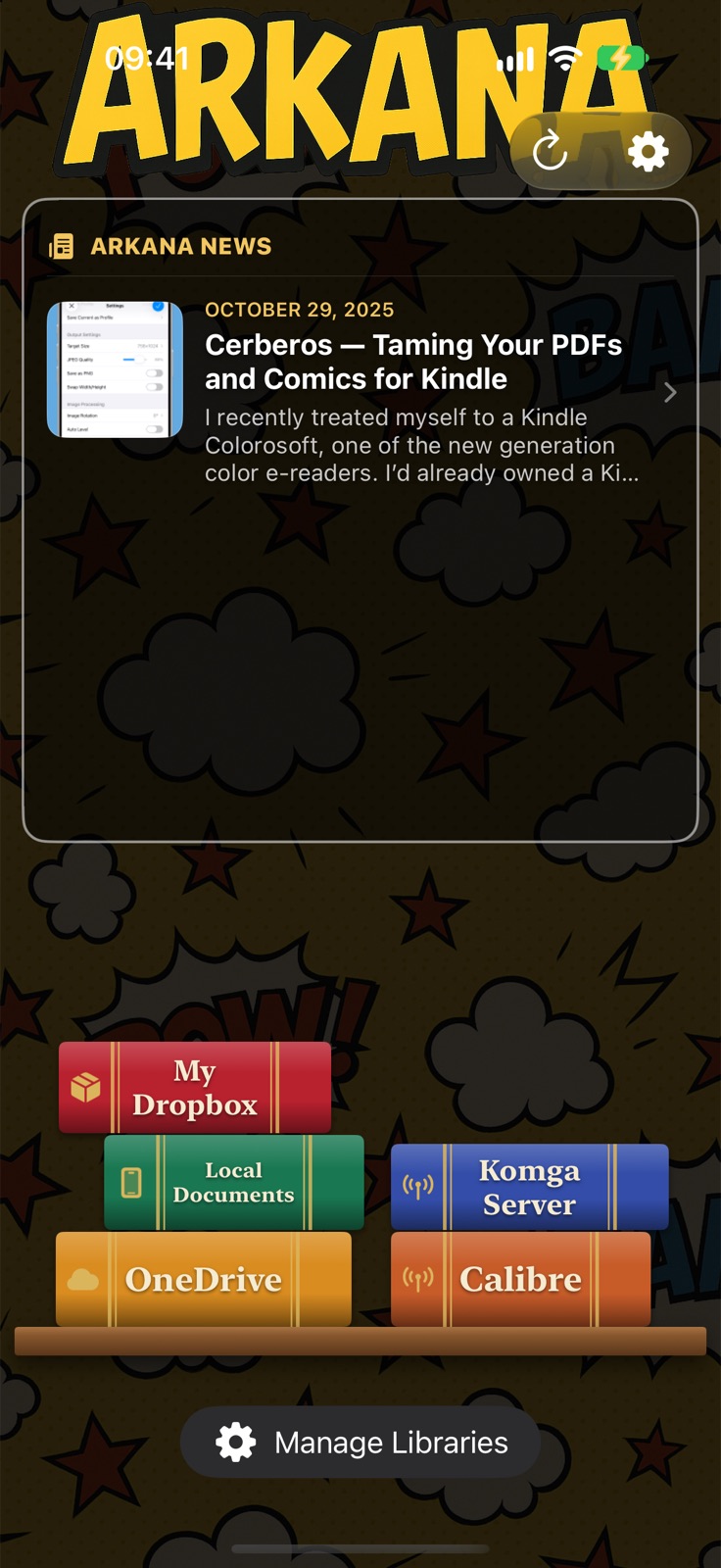
- OPDS 1 and OPDS 2 catalogs (Calibre, Komga, Kavita and other compatible servers), with login support
- Local files on your iPhone or iPad, and documents opened from the Files app
A reader that gets out of the way
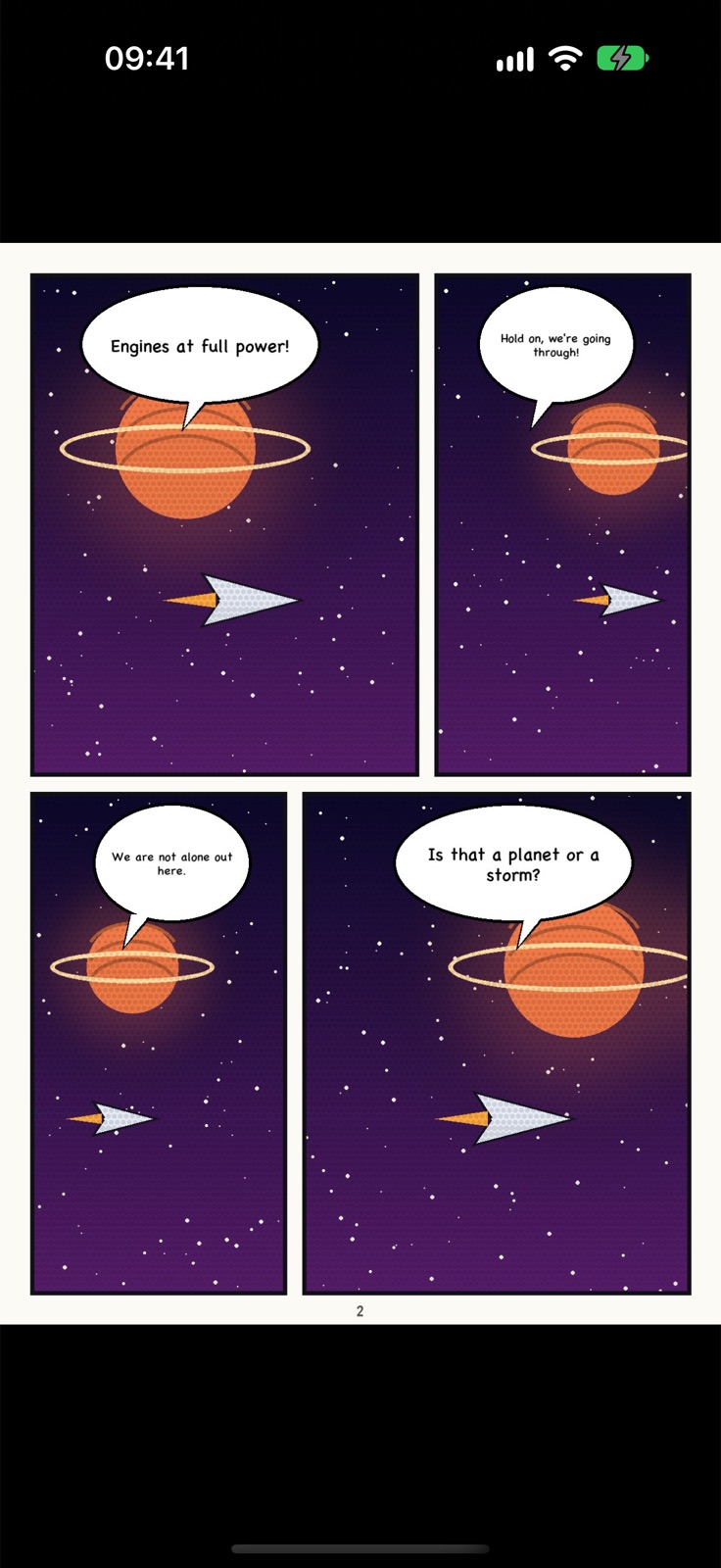
- Full-screen reading with smooth page turns, or a realistic page-curl animation
- Pinch to zoom on the smallest speech bubbles
- Resume exactly where you stopped, on every book
- Game controller and keyboard support to turn pages hands-free
- Save or share a page in one tap
- Dark mode
Your bookshelf
- Your libraries appear as books on a wooden shelf on the home screen
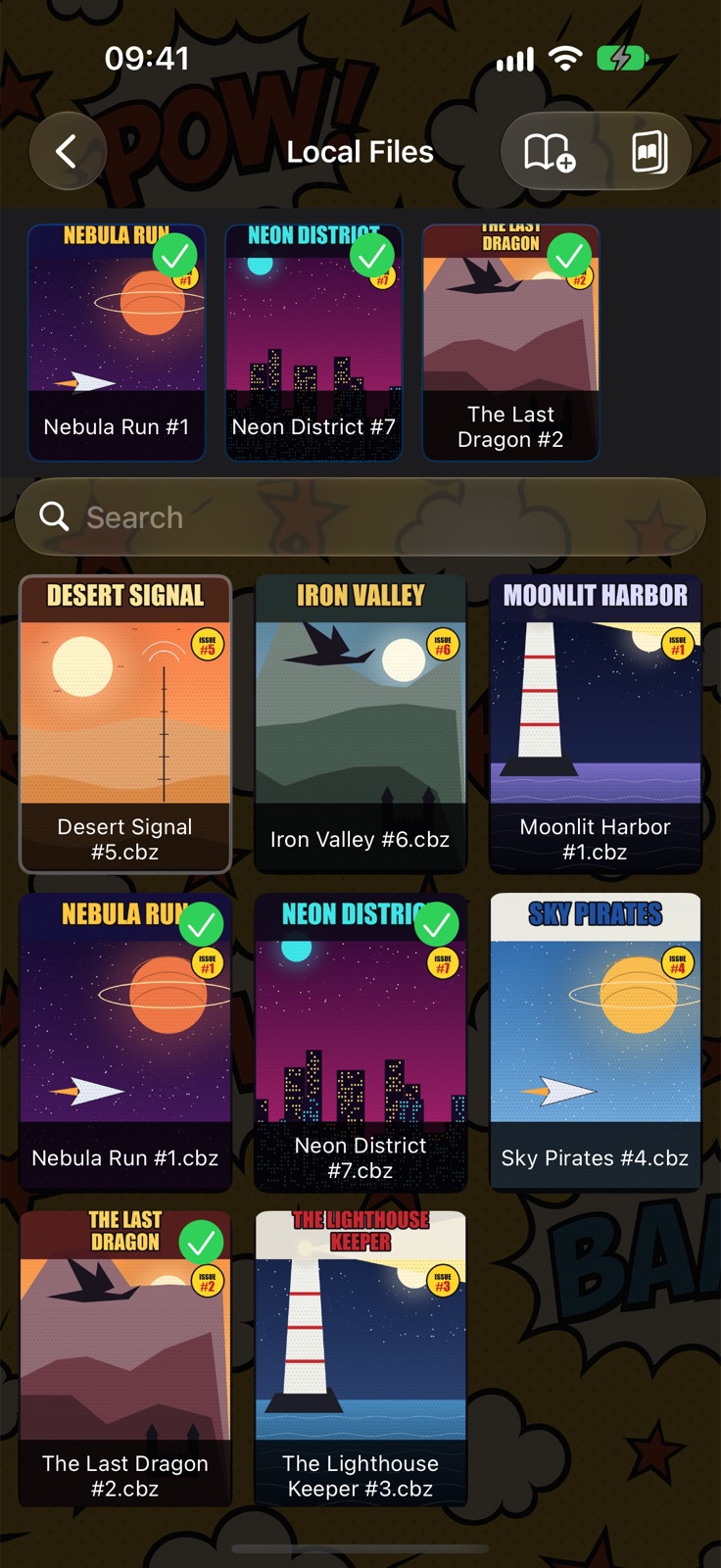
- Books you are reading stay at the top of each library, ready to continue
- Cover thumbnails for files and folders
- Instant search in the current folder
All the formats you need
- CBZ, CBR and CB7 comic archives
- ZIP, RAR and 7z archives of images
- PDF documents
Read offline
- Downloaded books are kept in a local cache so you can read on a plane or the subway
- Choose how many days books stay in the cache
- See how much space the cache uses and remove books individually or all at once
Little things that make a difference
Magic Processing
One tap on ✨ cleans up every page as you read: automatic levels for faded scans, trimmed margins and an optional monochrome filter.
Hands-free page turns
Turn pages with a game controller or a keyboard, perfect on an iPad in its stand.
Right where you left off
Every book reopens on the page you stopped at, and books in progress wait for you at the top of each library.
Take a look
Arkana on iPhone and iPad. The comics shown are original demo titles.
Start reading in three steps
1. Connect a library
Sign in to Dropbox or OneDrive, add an OPDS server, or simply import files from the Files app.
2. Browse your covers
Folders and books show their covers. Search the current folder instantly.
3. Tap and read
The book opens full screen. Arkana keeps it in its cache so you can keep reading offline.
Try it free, then choose
Arkana is free to try for 15 days with every feature unlocked. Start the free trial from the app — it never renews and never charges you.
Arkana Premium Yearly
Unlimited reading, renewed every year.
SubscribeArkana Premium Lifetime
Unlimited reading forever, one-time purchase.
Buy onceThe yearly subscription renews automatically unless cancelled at least 24 hours before the end of the current period. Payment is charged to your Apple ID account. You can manage or cancel your subscription in your App Store account settings.
Coming soon to the App Store.
Questions
Which file formats can Arkana open?
CBZ, CBR and CB7 comic archives, ZIP, RAR and 7z archives of images, and PDF documents.
Does Arkana sell comics?
No. Arkana is a reader: it opens the comics and PDFs you already own, wherever you store them.
Do I need an account?
Not to read local files. Dropbox and OneDrive use your own account, and OPDS servers that require a login are supported.
How do I read a file stored on my iPhone or iPad?
On the home screen, open the Local Documents book, then use the book-with-plus button at the top right to import a CBZ, CBR or PDF from the Files app. You can also open a document from the Files app directly in Arkana.
Does it work with my Calibre, Komga or Kavita server at home?
Yes. Add it as an OPDS 1 or OPDS 2 catalog. Servers reachable only over plain HTTP on your local network work too.
Can I read without a connection?
Yes. Downloaded books stay in a local cache. You choose how many days they are kept, see how much space they use and remove them one by one or all at once.
How does the free trial work?
Start it from the app: every feature is unlocked for 15 days. It never renews and never charges you. Reinstalling the app does not restart it.
How do I restore my purchase on a new device?
Use Restore Purchases on the Premium screen, or in Settings › Premium.
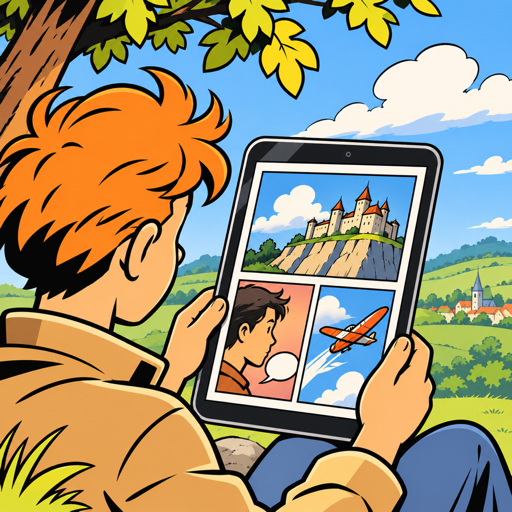
Your comics deserve a good reader
Bring all your libraries together and pick up every story where you left it.